Thanks for pointing out this viewer and posting your test results here. I just downloaded it for Mac. I’m on a MacBook Air (M1, 2020) running macOS Monterey (version 12.5.1).
I had a standard security issue with macOS saying that the developer was not recognized.

In System Preferences, in Security and Privacy, you can click Open Anyway.
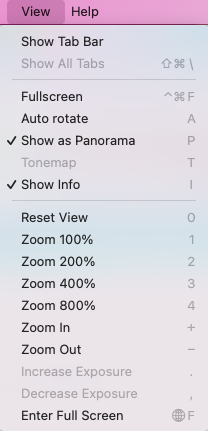
You have a range of View options.
Here’s an image, taken in Crissy Field in San Francisco, with the Show info option. It displays Cursor (position on the image), Color, View (orientation), Size, FOV, F-Stop, Zoom, and FPS.
- The zoom can go up to 800% which does not seem particularly usable
- FPS seems like a strange inclusion for a static image

I would like to be able to work on multiple images at the same time. In other words, open up, say, 10 images, and be able to use LizardQ to move between and view all of them. I believe that function is not available.