You asked about rotating specific images on the Facebook Workshop Group. As Facebook does not have a good way to put code samples and HowTo posts, I will respond here.
Default orientation
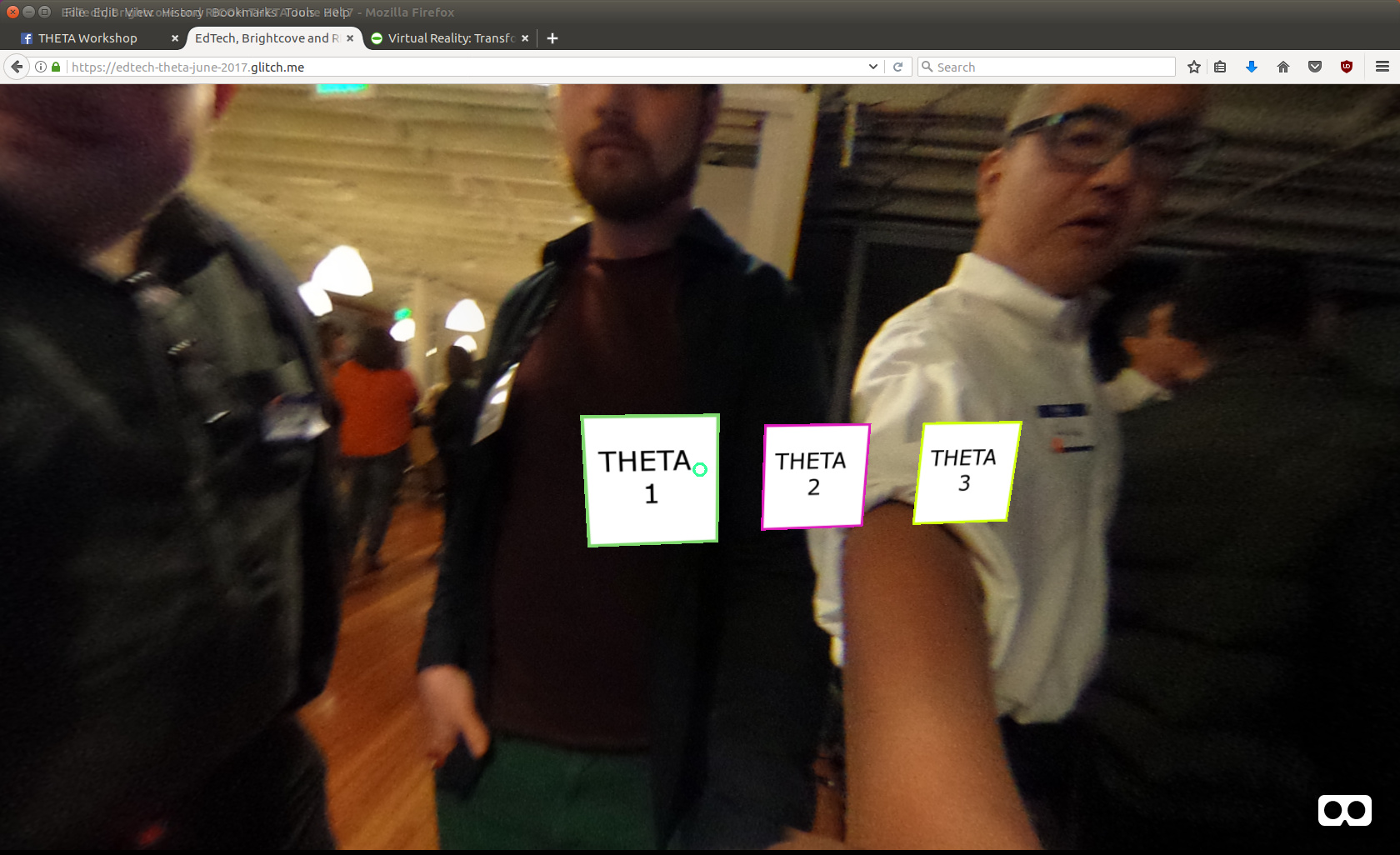
Rotated orientation
('rotation', "-20, -10, 0")
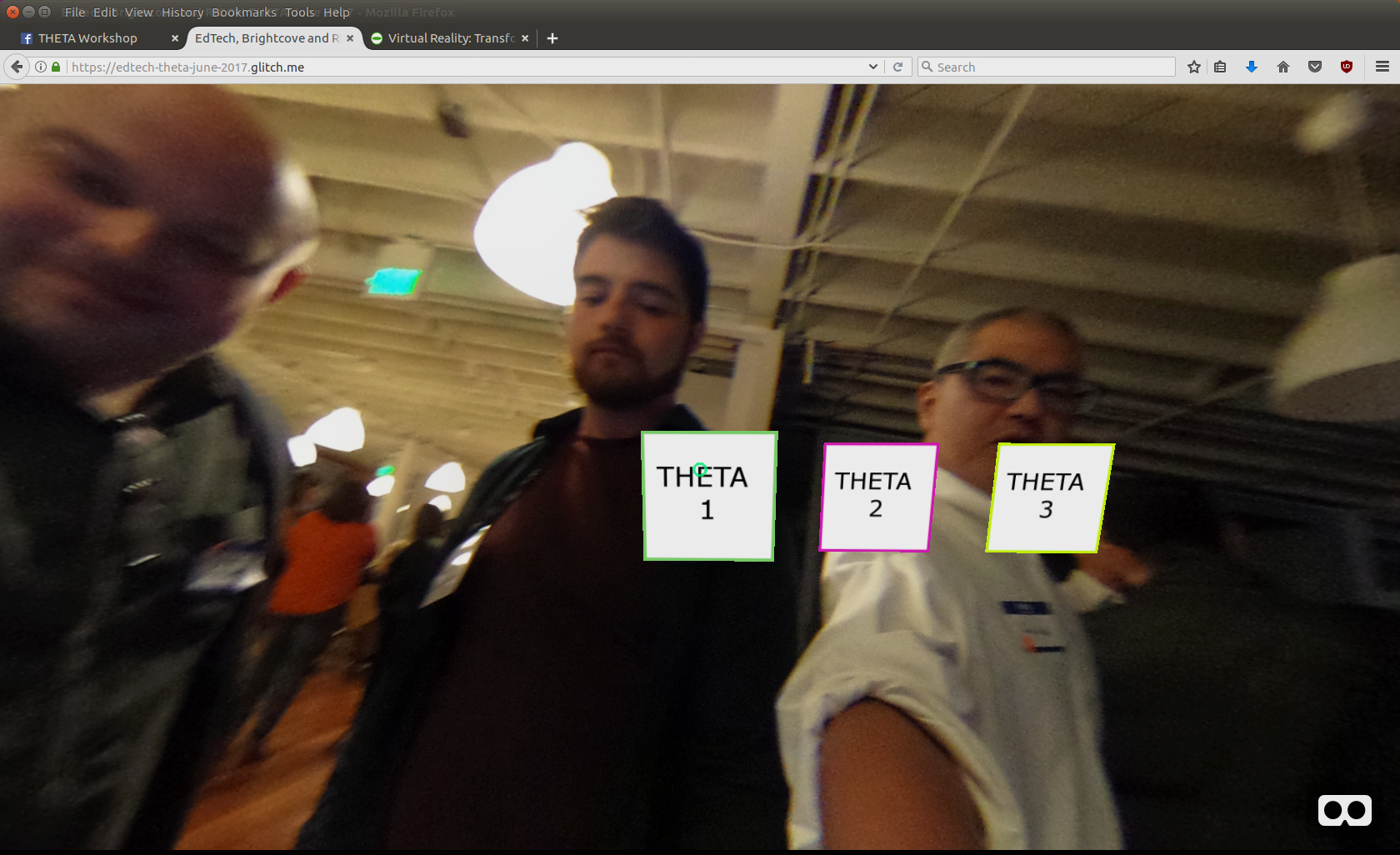
This is the same picture, just rotated 190 degrees.
('rotation', "20, 190, 0")
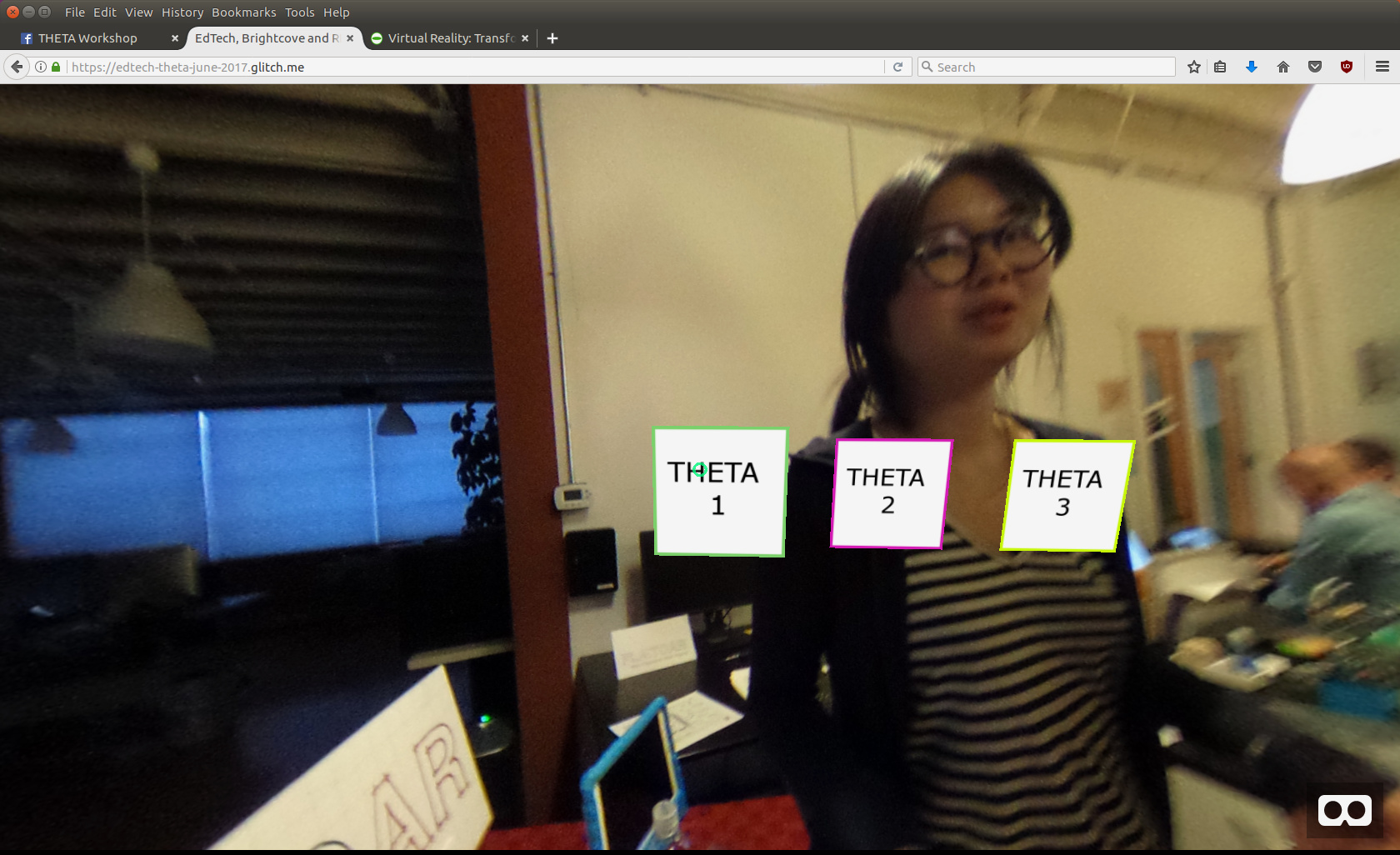
Orientation Per Picture
Explanation
When the event of changing the image occurs, look for the tag of the image you want to rotate. There are three images in this example, #theta1, #theta2, #theta3. If the src for the image is #theta1, then modify the orientation for #theta1.
Do It
remix
In glitch, remix the project. https://glitch.com/edit/#!/edtech-theta-june-2017
edit
Go to set-image.js
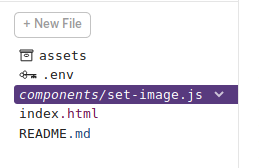
Look for the code below.
    if (data.src === "#theta2") {
      console.log("#theta2 has come up: ", data.src);
      // data.target.setAttribute('rotation', "20, 190, 0");
      data.target.setAttribute('rotation', "-20, -10, 0");
    }
Change rotation values until the image is in a position that you want it to be in.